
On this page
01 / The lay of the land
A platform with several kinds of information.
Gday123’s public website brings together game categories, a promotion list, sharing tools, account entry and a live transaction display. Those areas sit close together, but do different jobs. A category helps you browse; an offer name identifies something to read; a wallet label introduces an account action.
This companion follows the relationship between those views. It keeps the source’s labels intact, then explains the question each one can answer. You can compare the three reward groups directly below and use the subject pages for the full offer context, a display lookup or a more specific account question.
The guide is at gday123au.co. The Gday123 platform handles its own accounts, services and current conditions. The public source version used for the wallet and promotion values is dated 20 October 2026.
| Public reference | Useful for |
|---|---|
| Category artwork | Identifying a section of the catalogue |
| Promotion name | Finding the relevant offer and its conditions |
| Reward group + level | Matching a particular displayed amount |
| Wallet / History | Separating a public limit from a personal record |
02 / Around the lobby
Choose the category before the title.
Four original category images provide useful points of reference: Pokies, Live, Arcade and Sport. The images below reuse Gday123’s own artwork recorded on 14 October 2026. They introduce sections; they are not four individual games or a popularity ranking.


Earlier public menu records also contain Aristo., Free Bonus and boongo, alongside provider references including JILI, BNG, VPOWER and IMPERIUM GAMES. A category name and a provider name describe different levels of navigation. Preserve both when locating the complete title you mean.
A picture can help you recognise the route without explaining a game’s rules, version or promotion eligibility. Once you reach an individual title, its own information is the more precise reference. Follow the catalogue reading route →
03 / Names before numbers
Several offers can share a format.
The promotion page names WELCOME BONUS at 50% and two separate UNLIMITED BONUS entries at 7% and 5%. A repeated name does not explain the difference between the entries. Keep the displayed rate with the name while checking the matching conditions.
GDAY, FREE’S YOURS! (OLD/NEW) displays AUD 7. GDAY 365 LOYALTY and IMPERIUM 365 DEPOSIT FREE show AUD ?. A question mark leaves the amount unspecified; it does not mean zero, a guaranteed maximum or a value borrowed from another reward.
Some names also carry an important qualifier. IMPERIUM is part of a listed offer’s identity, and AMOPAY USDT appears beside 10%. Neither should be silently dropped when recording the offer. The promotion guide separates these entries from rebate choices and member rewards.
04 / The daily reward reference
Three groups. Six repeated labels.
Harbour, Outback and Crown each use Entry, Light, Rise, Surge, Peak and Max. The grid keeps all 18 displayed values together. Read across a row to compare the same label in different groups; read down a column to stay within one group.
| Level label | Harbour | Outback | Crown |
|---|---|---|---|
| Entry | 2 | 4 | 10 |
| Light | 4 | 7 | 20 |
| Rise | 8 | 15 | 40 |
| Surge | 13 | 25 | 60 |
| Peak | 18 | 29 | 80 |
| Max | 23 | 39 | 100 |
For example, Harbour Rise shows AUD 8, Outback Rise AUD 15 and Crown Rise AUD 40. “Rise” identifies a row, but only the full group-and-level name identifies one display. These amounts were visible in the checked public promotion list; they do not establish an account’s reward entitlement.
The larger values do not supply a qualifying deposit or explain how to move between labels. This guide leaves those conditions to the current named offer. The reward finder lets you select one exact reference and see its same-label comparisons without losing the group name.
05 / A useful cross-check
An equal amount can belong to a different entry.
AUD 4 appears twice in the matrix: Harbour Light and Outback Entry. The amount alone cannot tell you which entry someone means. The repeated number is useful as a reminder to record the identity, rather than a reason to merge the two offers.
Keep the whole reference
Harbour · Light · AUD 4 · Public version 20 October 2026. These fields make the display identifiable. Eligibility, qualifying activity and claiming instructions are separate information.
This distinction also matters when a number appears elsewhere on the platform. The wallet’s AUD 5 deposit minimum is a minimum label, while Unlimited Bonus 5% is a percentage. Keeping the unit and screen beside the number avoids comparing unrelated fields.
06 / Beyond the matrix
VIP and sharing names have their own context.
VIP UPGRADE REWARDS, VIP BIRTHDAY REWARDS and VIP MONTHLY REWARDS each show AUD ? in the public list. Upgrade, birthday and monthly describe different occasions. None supplies a numeric tier policy or a value that can be filled from Crown Max.
Two sharing-related entries display fixed amounts: YOU SHARE, WE PAY shows AUD 20, and SOCIAL MEDIA SHARE shows AUD 8.88. Those entries are distinct from WEEKLY PASSIVE INCOME at 7%. Their names do not establish the same action, payment schedule or calculation basis.
The homepage also shows Upline Income, Invite Friend, Copy Link, Downline and More Info. A visible label is a navigation reference. It does not verify somebody’s personal invitation, network or income. Account-specific records belong to the member platform.
07 / Percentage, basis, period
Read the whole rebate option.
The public Rebate Calculator names three choices. Its input is labelled Total Rollover / Loss, while the output is identified as an estimate. Selecting the option is part of identifying what the entered amount is supposed to represent.
| Option | Rate | Period |
|---|---|---|
| Daily Rollover Rebate | 1% | Daily |
| Weekly Loss Rebate | 5% | Weekly |
| Weekly Commission Rebate | 7% | Weekly |
Rollover and loss name different measures, and daily and weekly name different periods. Commission needs its own qualifying basis. Adding 1%, 5% and 7% would discard those distinctions and would not establish one combined programme.
The page states that rebates are available for deposit members. That statement does not settle every qualifying rule or confirm an account credit. This companion does not connect to the calculator or infer a commission formula.
08 / The account boundary
A public minimum is a starting label.
The homepage wallet preview displays two minimums beside the account-entry area.
- Minimum deposit
- AUD 5
- Minimum withdrawal
- AUD 30
These describe the checked public preview, not the outcome of a transaction. A minimum does not verify a method’s current availability, a required reference, a fee or the time an account action takes.
LIVE TRANSACTION is another display on the homepage. Public rows use masked identifiers and separate deposit and withdrawal columns. They are not this guide’s record of customer payments, and a similar amount cannot identify a row as yours. Personal History and the relevant transaction details are the appropriate record for an individual question.
09 / Keep the qualifier
The method belongs with the campaign.
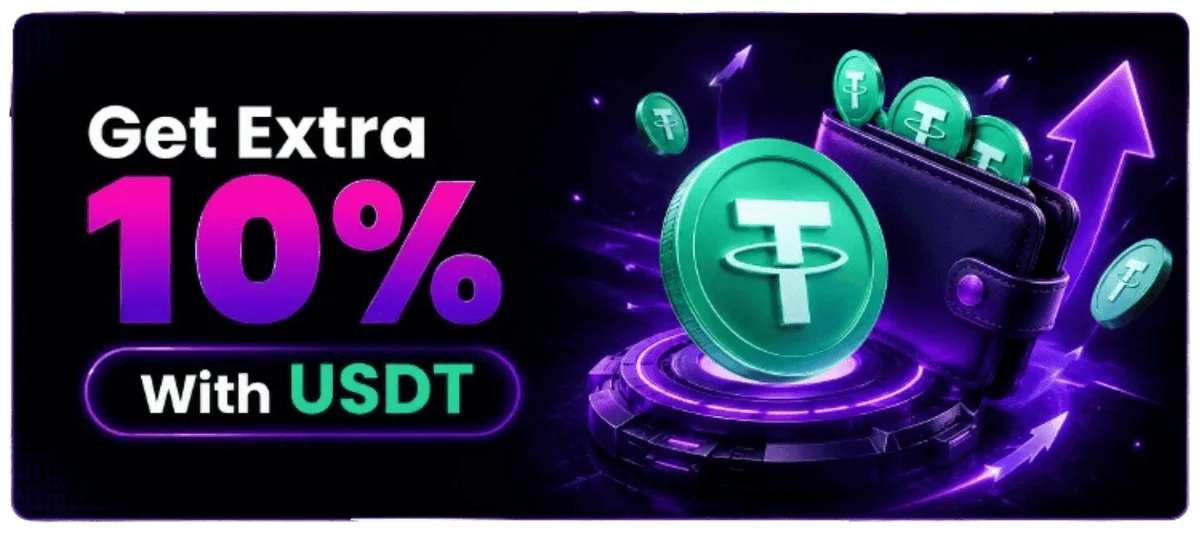
The picture puts “With USDT” beside its percentage. That wording is part of the campaign reference. A card or wallet brand shown elsewhere on the homepage does not establish that the same offer applies to it.
Keep the named method, offer and current conditions together. The image is used here to explain the message; it is not a payment control and this guide does not provide a wallet address or transaction instructions.
10 / On a smaller screen
Promotions, launches and maintenance are different notices.
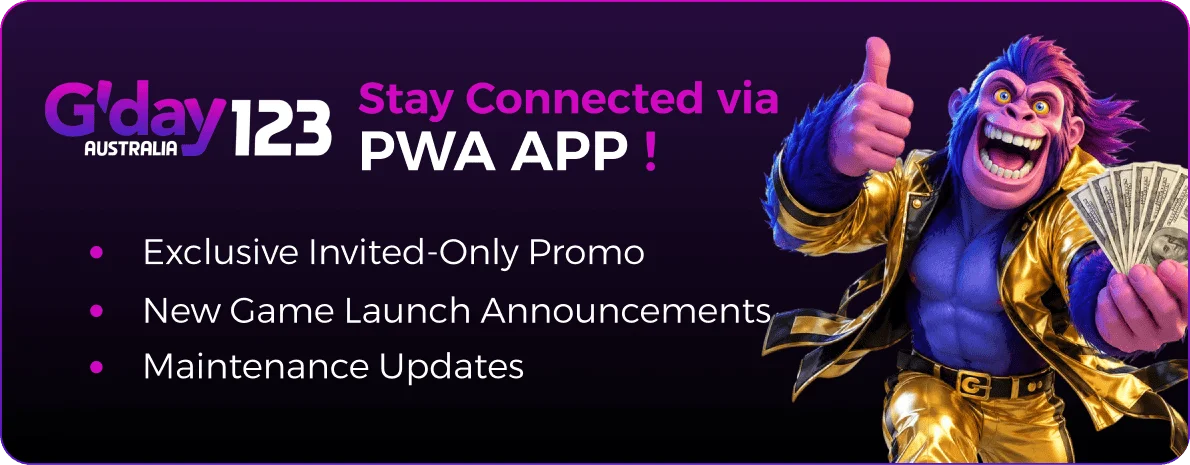
The original PWA artwork at the top of this page lists Exclusive Invited-Only Promo, New Game Launch Announcements and Maintenance Updates. The first concerns an offer audience, the second a catalogue announcement and the third service information. Their presence on one banner does not make them the same notification.
A maintenance notice needs its own timing and affected service. A launch announcement needs the exact title or collection. An invitation-only message needs its own eligibility and conditions. Read the subject before following an older saved instruction.
Showing the artwork does not install an app or enable notifications. Device settings, permissions and the platform’s current instructions need to establish how access works. This guide stays a normal reading website; its mobile menu and contents list simply help you reach a subject.
11 / Continue the subject
One question at a time.
If you are looking for a title, start with Games. If an offer amount is unclear, identify its family in Promotions, then use Rewards for the group-and-level reference. Payments handles the separate question of what a wallet or personal record can tell you.
The pages are connected so a short answer can lead to the complete table or explanation. The reward finder reads only the dated data included in this site; it does not request a member balance or assess a claim.
12 / Before moving on
A few useful answers.
What does this website provide?
A guide to public Gday123 information, including reward names, category references and wallet labels. It does not operate the platform, provide an account or process a payment.
Is Harbour Light the same as Outback Entry?
The public list shows AUD 4 beside both names. They remain different group-and-level references. The matching amount does not establish matching conditions.
Are Entry, Light and Rise VIP tiers?
They are repeated level labels within Harbour, Outback and Crown in the promotion list. This guide does not turn them into personal VIP tiers or a qualification ladder.
Does the AUD 5 minimum qualify for a reward?
The homepage wallet minimum and a promotion reward are separate displays. The public minimum does not establish eligibility for any Harbour, Outback, Crown or welcome entry.
Can the three rebate rates be added together?
The selector names daily rollover, weekly loss and weekly commission separately. Their periods and calculation bases are different; the public display does not establish one combined rebate.
Will the PWA artwork enable notifications?
No. The original image describes platform notices. Displaying it here does not install software, request notification permission or confirm delivery on a device.
Are these live account values?
No. The homepage and promotion references were read on 20 October 2026. They describe that public version. Current conditions and personal records need the platform.
13 / The source note
A dated guide, with a clear purpose.
The public Gday123 homepage and promotion page were read on 20 October 2026. Category artwork, the USDT campaign and the PWA image reuse company materials recorded on 14 October 2026. The dates identify the versions used; the site does not synchronise live offers or personal data.
The purpose is to make public displays easier to identify and compare. We have not tested registration, payments, claims, game outcomes, app installation or notification delivery. No licence, payout-speed, popularity or income claim is inferred from the platform’s marketing.
Use the full entry name when checking the current terms. Where public information leaves a condition unknown, the guide leaves it unknown too. It does not claim official status or operate the Gday123 service.